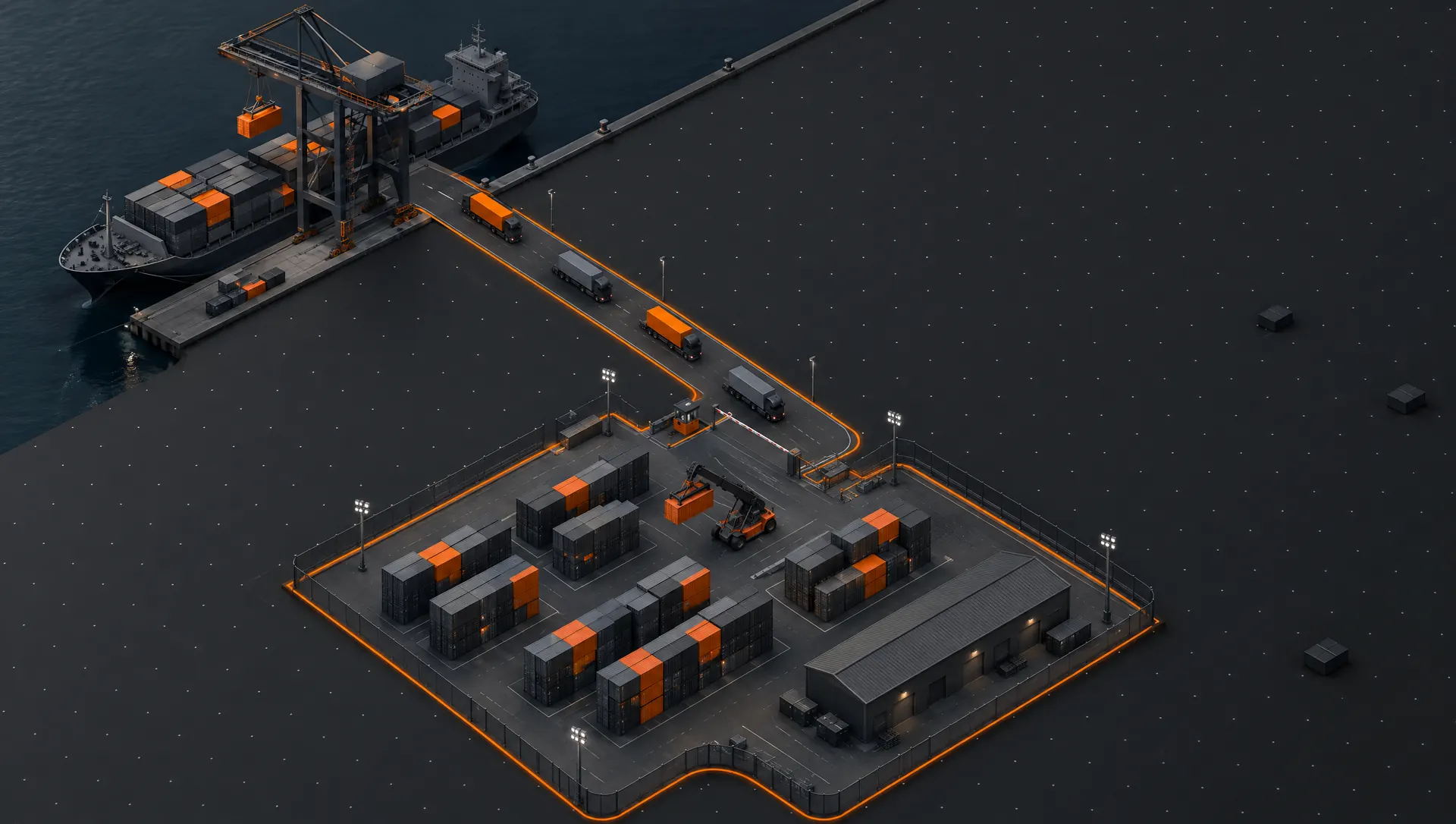
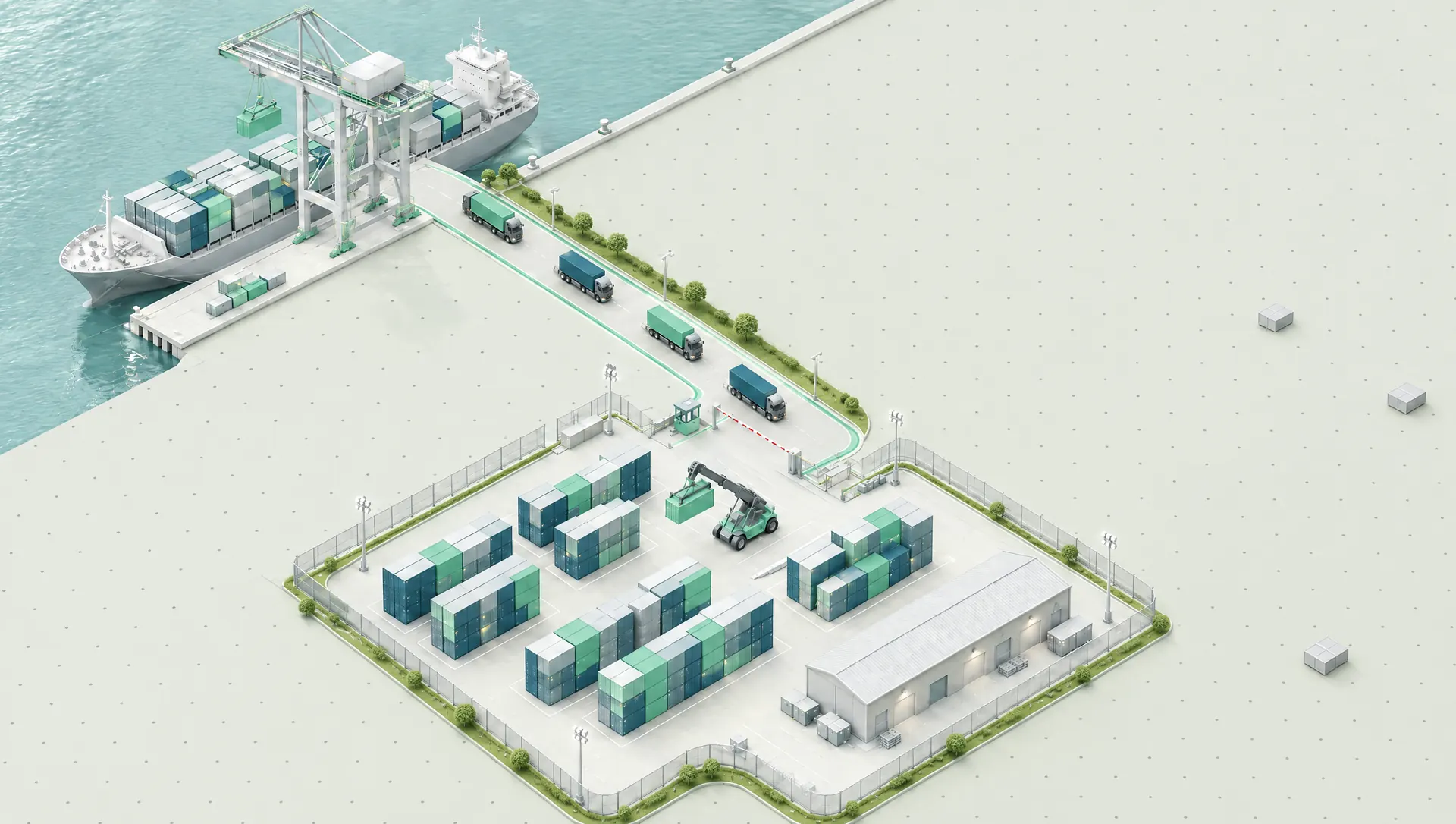
Gate in & gate out
Empty, import and export gate in, challans, port passes and gate out: every move recorded once, with the truck and the seal.
- Challan
- Port pass
- Direct interchange


Container
depot
system
iDepoz · made by Kweehost
iDepoz runs a container depot from the quay to the invoice: gate in and gate out, import, export, empty containers, EIRs, billing and reports, with one record for every container.
iDepoz follows each container through the depot. Every desk adds to the same record, so the gate, the yard and the accounts work from the same facts.
The IGM comes in: every container, B/L and vessel entered once, or pasted as a list.
Port challans bring containers from the port to the depot gate.
Empty, import and export gate in, with the truck, the seal and the EIR.
What is in the yard by line and size, and what is held back and why.
Export stuffing against entry documents, VGM and customs; import unstuffing.
The challan writes the gate out; the gate desk handles only the exceptions.
Invoices and money receipts, priced from your own rate charts.
From the first gate in to the last money receipt: nine parts of one system, sharing one record for every container.
Empty, import and export gate in, challans, port passes and gate out: every move recorded once, with the truck and the seal.
IGM entry by B/L and container, import gate in, unstuffing and delivery. Paste a column of container numbers instead of typing them.
Entry documents read straight from the customs PDF, received cargo, stuffing and dumping, VGM, shut-outs and customs inspection.
Empty stock by shipping line and size, repairs, and holds that say why a container cannot leave yet.
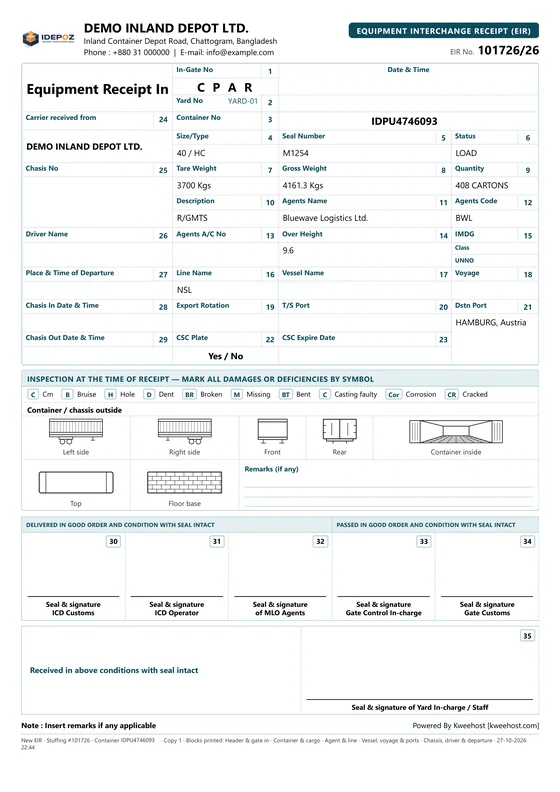
Equipment Interchange Receipts on blank A4, with the grid, the damage legend and the container diagram, or on your existing stationery.
Import invoices, empty bills, forwarder bills, handling and labour receipts, payments, dues and statements, priced from your own rate charts.
Daily movement and stock summaries kept as they stood on the day, registers you can sort and filter, and Excel from every report.
Each shipping agent can receive the day's movements of their containers as an Excel file, by email, every morning.
Permissions by role and by person, login with a one-time email code, and access only from your offices if you want it.
Taken from the iDepoz demo in the Glass look. The names and numbers on them are made up.
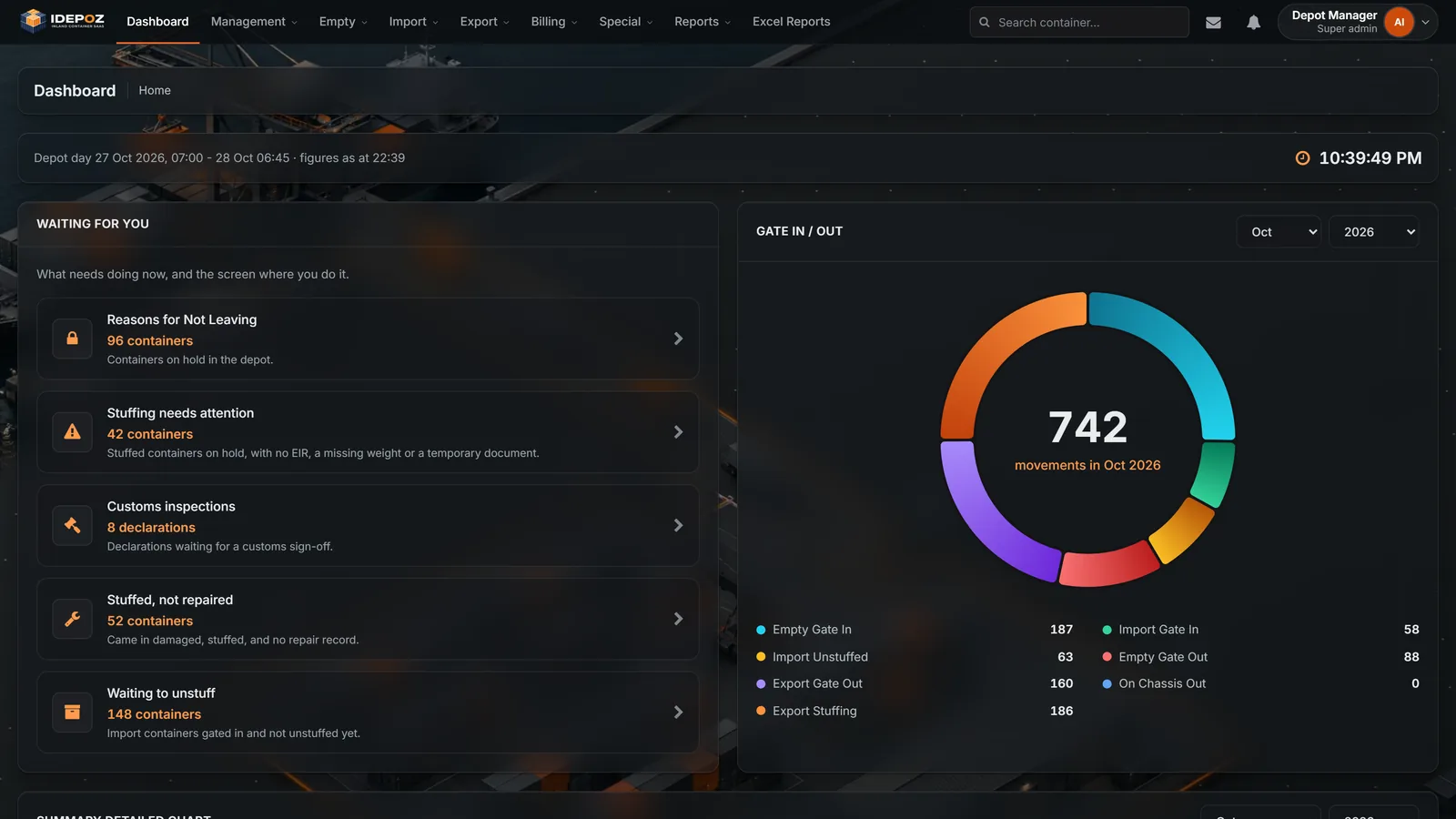
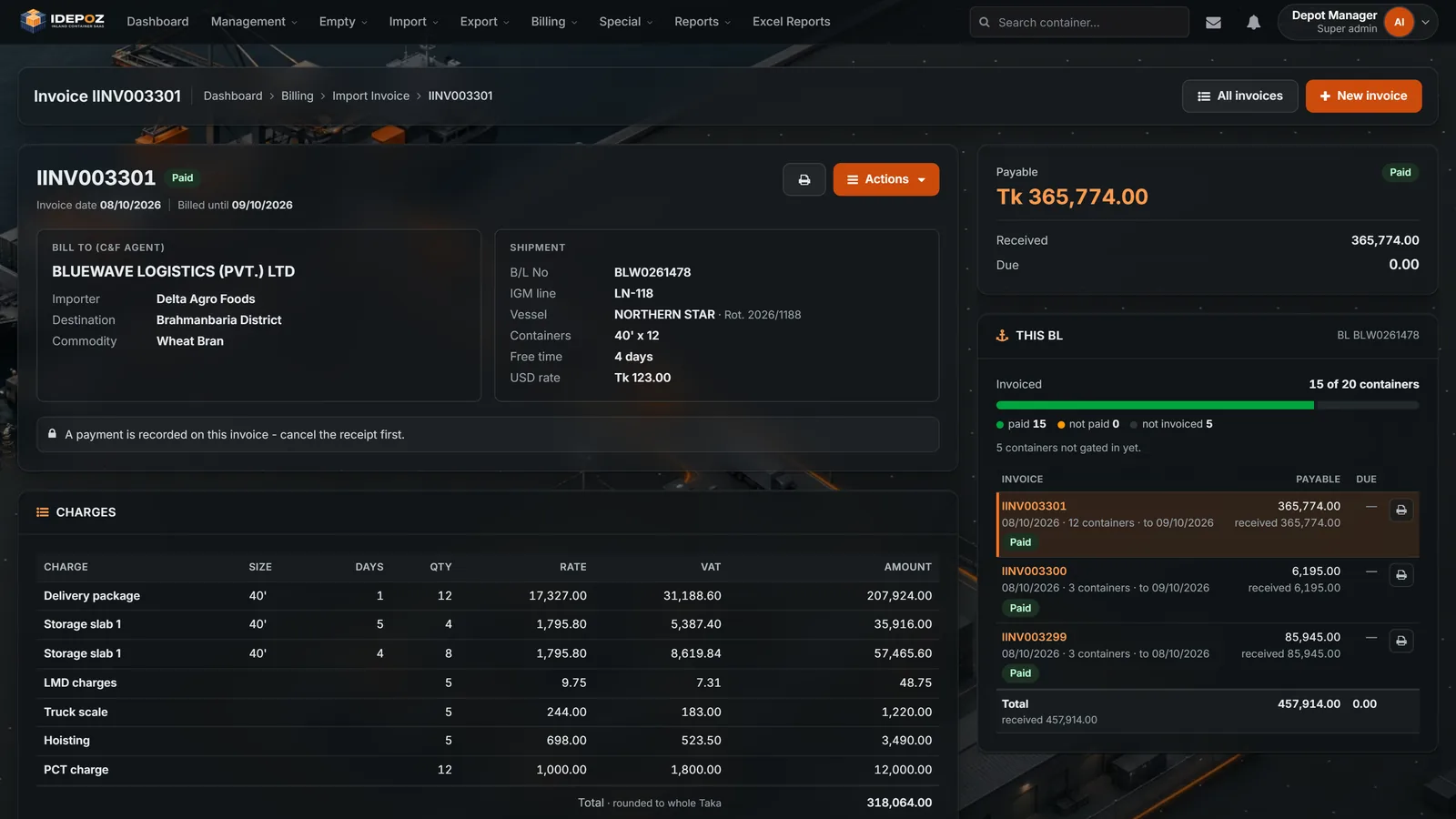
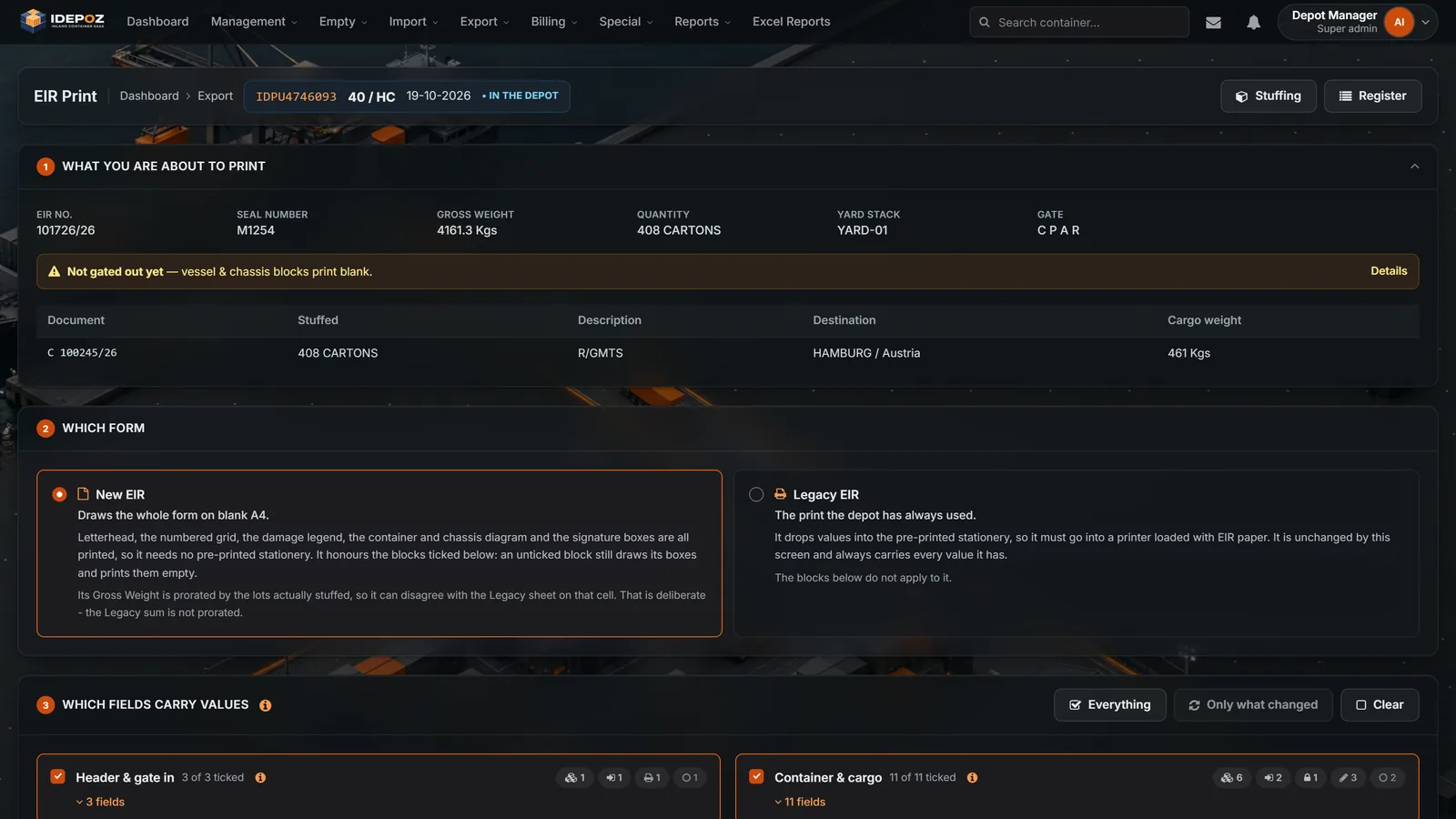

A depot at work, the gate, the yard and the accounts, and the real iDepoz screens that run it.
Play the filmEvery print comes from the same record as the screen, with your company's name and logo at the top.
Each person sees the screens their job needs, and opens iDepoz on a dashboard made for their role.
Gate in, gate out, challans and EIRs, built for a queue of trucks.
Stock, stuffing, unstuffing, repairs and holds, on one record per container.
Bills and money receipts from your rate charts; payments, dues and statements.
Dashboards, daily summaries and reports kept as they stood on the day.
Their own containers' movements by email every morning, in Excel.
Nothing to install on the gate or office PCs. Open it, log in, work.
Light or dark, Glass or Classic: each person picks what suits their screen.
Rate charts go out to Excel and come back in; every report downloads.
Made in Dhaka by Kweehost, together with the depots that use it.
Tell us about your depot. We will show you iDepoz with containers, rates and paperwork like yours, wherever in the world you are.

